Pay for water with Aquabox App
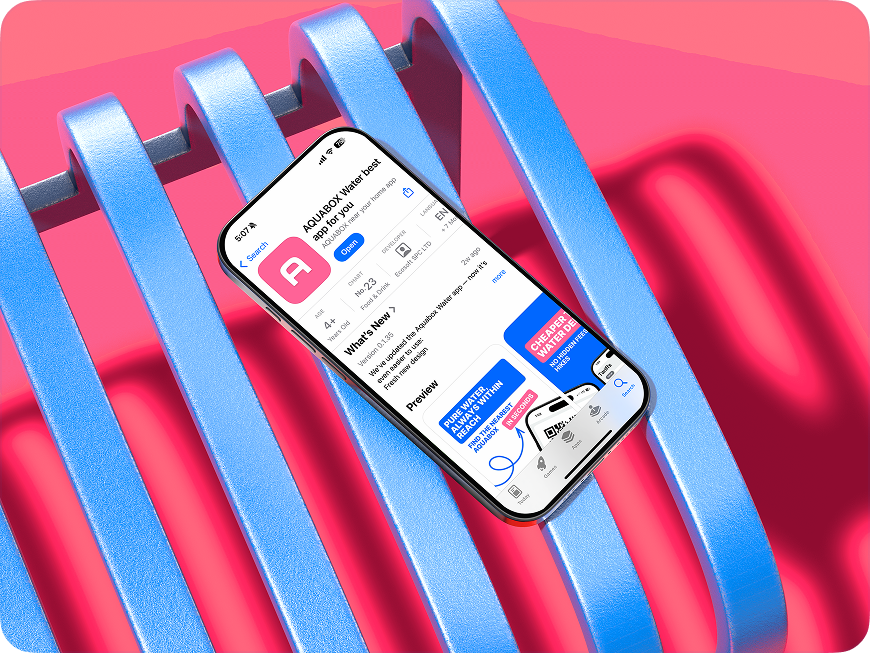
find out morePay for water online — simpler, cheaper, and more convenient. Go cashless, track your spending in the app, and get your water fast, without queues.


How it works
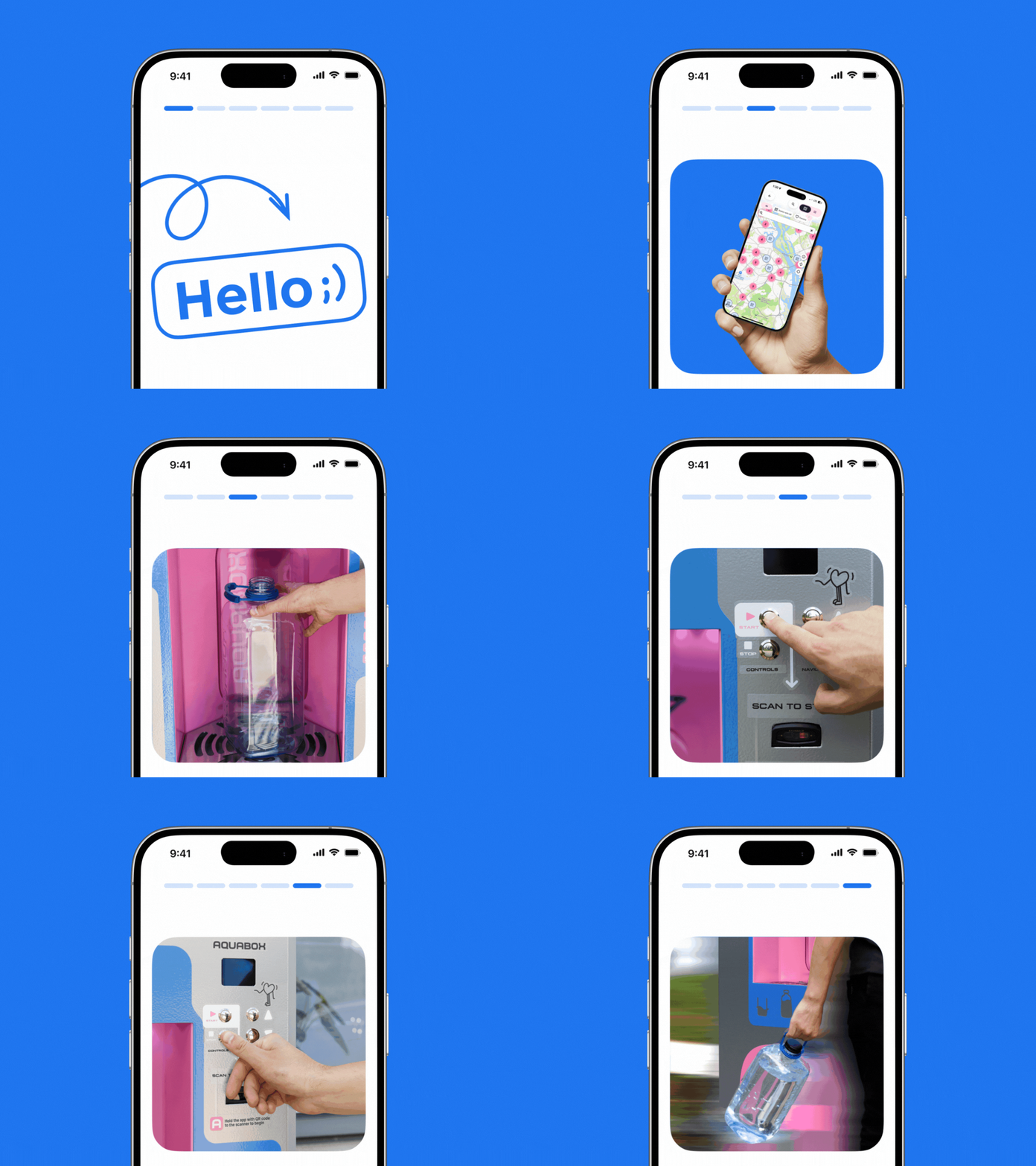
01
Download the app
02
Register and get first
10 litres of water for free
03
find your nearest aquabox via the app
04
Scan your unique
QR-code at
Aquabox station
05
Enjoy your water
What do you get
The Aquabox Water app makes using Aquabox stations much more convenient. Here’s what you get:
The lowest price for water

All locations on your phone
10 liters as a gift

Special offers for customers
What clients say about our service
We value every review because your experience helps us improve. Discover why thousands of people choose Aquabox every day
Something new
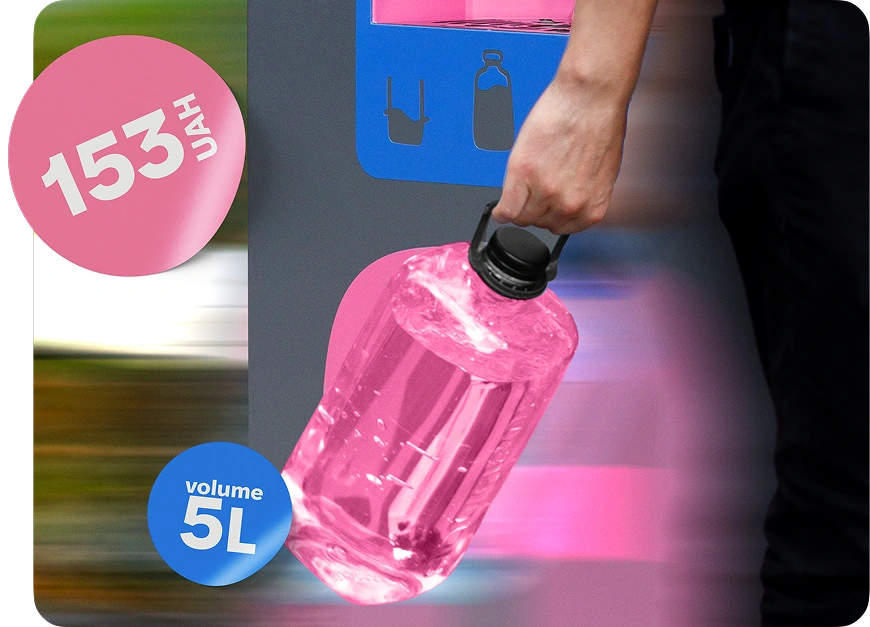
Aquabox Bottle - your sustainable solution
FAQ
How does an Aquabox vending machine work?
Aquabox is a purified drinking water dispensing machine.
You choose a convenient payment method (in the app or on the machine), place your bottle, pay for the volume you selected, press the “Start” button, and the machine dispenses the required amount of water.
You choose a convenient payment method (in the app or on the machine), place your bottle, pay for the volume you selected, press the “Start” button, and the machine dispenses the required amount of water.
Can I use my own bottle?
Yes. You can fill your water into your own reusable Aquabox bottle — it’s convenient and helps reduce single-use plastic.
Recommendation: to keep the water fresh longer, wash your bottle regularly (especially the cap and the neck).
Recommendation: to keep the water fresh longer, wash your bottle regularly (especially the cap and the neck).
How do I download and connect the app?
1. Download Aquabox Water from the App Store or Google Play.
2. Register (using your phone number).
3. Top up your balance or purchase a subscription.
4. Find the Aquabox you need on the map in the app.
5. Enjoy great-tasting water!
2. Register (using your phone number).
3. Top up your balance or purchase a subscription.
4. Find the Aquabox you need on the map in the app.
5. Enjoy great-tasting water!
What water is used in the machines?
Aquabox uses water that is purified through a filtration system.
The goal is stable quality, taste, and safety for everyday consumption. The machines are serviced regularly, and water quality is monitored in line with the service’s technical regulations.
The goal is stable quality, taste, and safety for everyday consumption. The machines are serviced regularly, and water quality is monitored in line with the service’s technical regulations.
How do I top up my balance in the app?
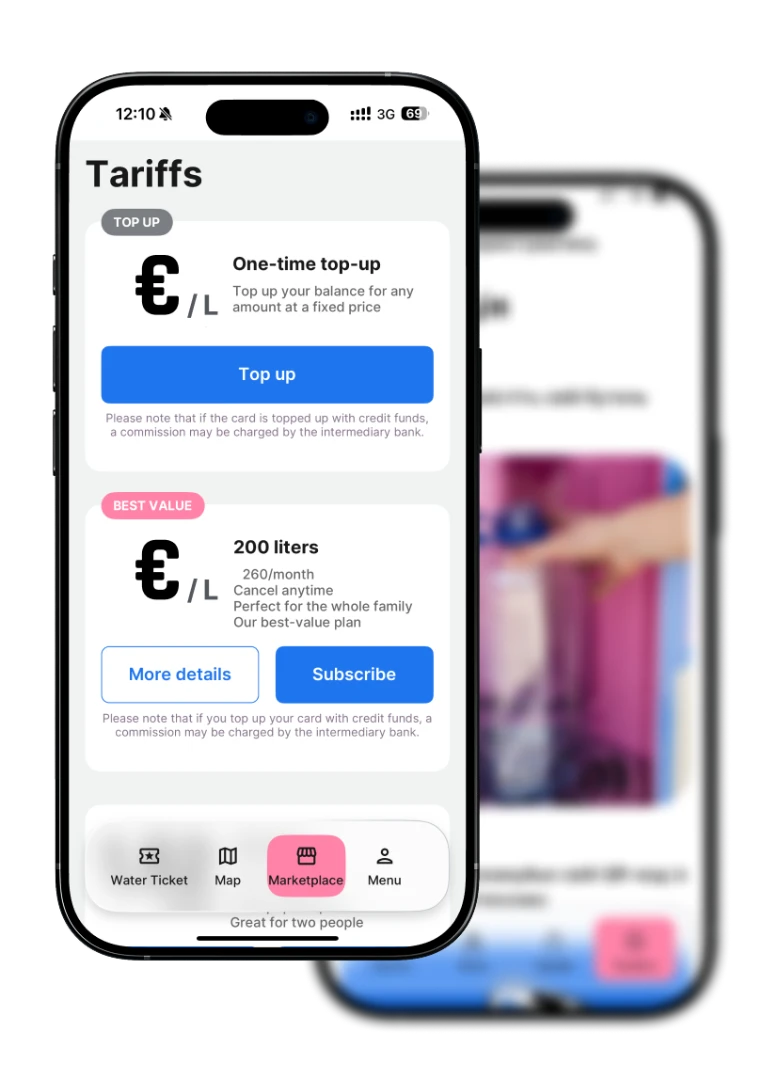
In the app, open **Tariffs** → choose a top-up plan → confirm card payment.
After topping up, the funds appear on your balance immediately, and you can pay cashless.
After topping up, the funds appear on your balance immediately, and you can pay cashless.
Aquabox doesn’t scan the QR code. What should I do?
1. Make sure the QR scanner lights up red when you bring the QR code close to it.
2. Tap the QR code in the app to increase screen brightness.
3. Hold the QR code 15–30 cm from the QR scanner.
2. Tap the QR code in the app to increase screen brightness.
3. Hold the QR code 15–30 cm from the QR scanner.