For a generation that cares about itself and the planet
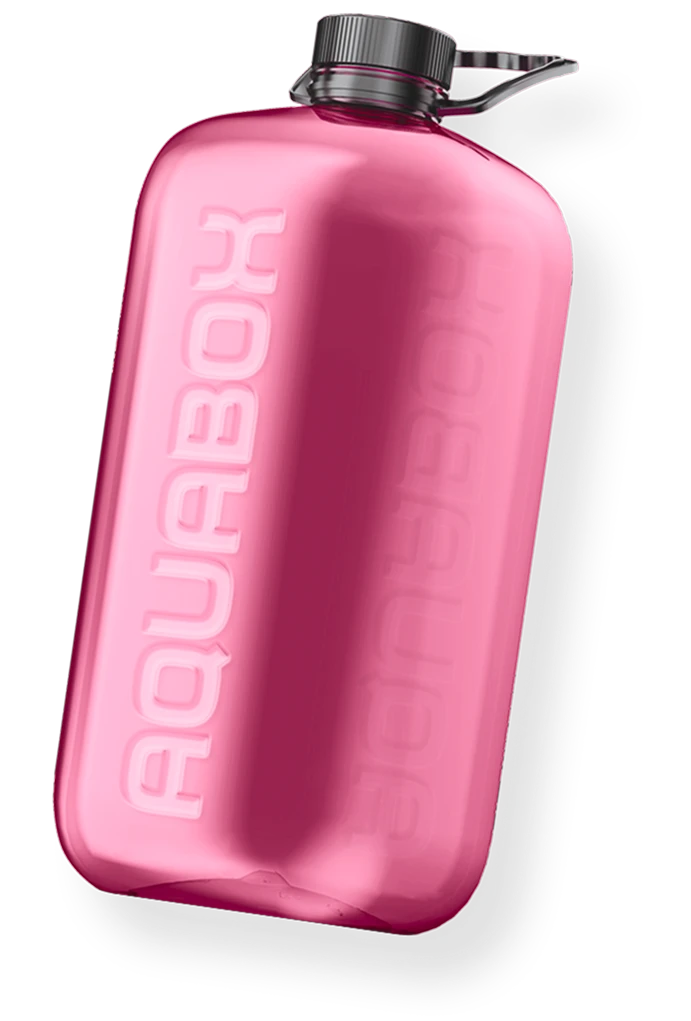
The bottle is made from durable, sustainable material that effectively preserves all the beneficial properties of the water.
Buy Aquabox bottle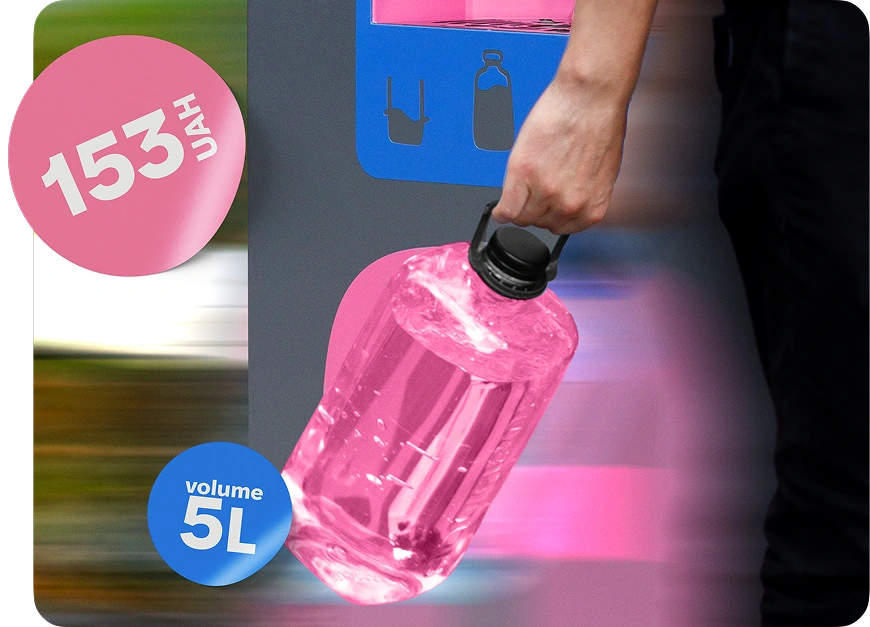
Key Features
01
5 L volume
Easy to carry; practical size.
02
Wide mouth
Convenient for filling and drinking.
03
Designed for comfort
Comfortable bottle handle.
04
Durable eco-friendly material
05
Stylish design
06
100% BPA-free
Contains no Bisphenol A.
How can you disinfect/wash the Aquabottle?
How to take care of your Aquabox bottle
Attention! The bottle must not be washed with very hot water or in a dishwasher.
FAQ
How does an Aquabox vending machine work?
Aquabox is a purified drinking water dispensing machine.
You choose a convenient payment method (in the app or on the machine), place your bottle, pay for the volume you selected, press the “Start” button, and the machine dispenses the required amount of water.
You choose a convenient payment method (in the app or on the machine), place your bottle, pay for the volume you selected, press the “Start” button, and the machine dispenses the required amount of water.
Can I use my own bottle?
Yes. You can fill your water into your own reusable Aquabox bottle — it’s convenient and helps reduce single-use plastic.
Recommendation: to keep the water fresh longer, wash your bottle regularly (especially the cap and the neck).
Recommendation: to keep the water fresh longer, wash your bottle regularly (especially the cap and the neck).
How do I download and connect the app?
1. Download Aquabox Water from the App Store or Google Play.
2. Register (using your phone number).
3. Top up your balance or purchase a subscription.
4. Find the Aquabox you need on the map in the app.
5. Enjoy great-tasting water!
2. Register (using your phone number).
3. Top up your balance or purchase a subscription.
4. Find the Aquabox you need on the map in the app.
5. Enjoy great-tasting water!
What water is used in the machines?
Aquabox uses water that is purified through a filtration system.
The goal is stable quality, taste, and safety for everyday consumption. The machines are serviced regularly, and water quality is monitored in line with the service’s technical regulations.
The goal is stable quality, taste, and safety for everyday consumption. The machines are serviced regularly, and water quality is monitored in line with the service’s technical regulations.
How do I top up my balance in the app?
In the app, open **Tariffs** → choose a top-up plan → confirm card payment.
After topping up, the funds appear on your balance immediately, and you can pay cashless.
After topping up, the funds appear on your balance immediately, and you can pay cashless.
Aquabox doesn’t scan the QR code. What should I do?
1. Make sure the QR scanner lights up red when you bring the QR code close to it.
2. Tap the QR code in the app to increase screen brightness.
3. Hold the QR code 15–30 cm from the QR scanner.
2. Tap the QR code in the app to increase screen brightness.
3. Hold the QR code 15–30 cm from the QR scanner.